Device inventory & health
Keep computer names, Windows versions, hardware specifications, assigned users, and network details organized by company and device.


Every device. One clear view.
Give your IT team the context it needs before a support call begins. See hardware and operating system details, resource use, and the information needed to prioritize action from a central management portal.
Bring Windows device inventory, system health, and support visibility into one central portal. IT Genesis Endpoint Manager helps your team understand device status, investigate issues, and organize support across companies and locations.
Based in Port Said, Egypt, our team helps businesses plan it genesis endpoint manager around their existing systems and operating requirements. Discuss your requirements with our Port Said team.
From individual device signals to a clear view of what needs attention.
Illustrative product overview — no live device data.
A focused scope, built around your environment and agreed business priorities.
Keep computer names, Windows versions, hardware specifications, assigned users, and network details organized by company and device.
Review storage capacity, disk health, and Windows and Office license information where supported. Use alerts to identify items that need attention.
Review configured screenshots or open a view-only session for authorized support. Access is governed by company policy and assigned permissions.
Define which companies and devices engineers can access. Control screenshot and view-only permissions, with focused access for company managers.
We agree the requirements and responsibilities before work begins.
Confirm supported Windows versions, the devices to enroll, monitoring policies, and who should have access.
Install the agent, associate devices with the right companies and users, and configure reporting and capture settings.
Use device information, alerts, and authorized viewing to investigate issues and coordinate follow-up.
View-only access displays the device screen for authorized support. It does not provide keyboard or mouse control.
Yes. Access can be scoped by company and device, with separate permissions for screenshots and view-only support.
Monitoring and capture should be configured under your organization’s device policy. The product uses the Monitoring Mode Enabled label, with access restricted to authorized roles.
Contact IT Genesis for a product walkthrough. We will confirm your environment, supported operating systems, deployment requirements, and the appropriate pilot scope.

Your technology. Our ongoing commitment.
Explore service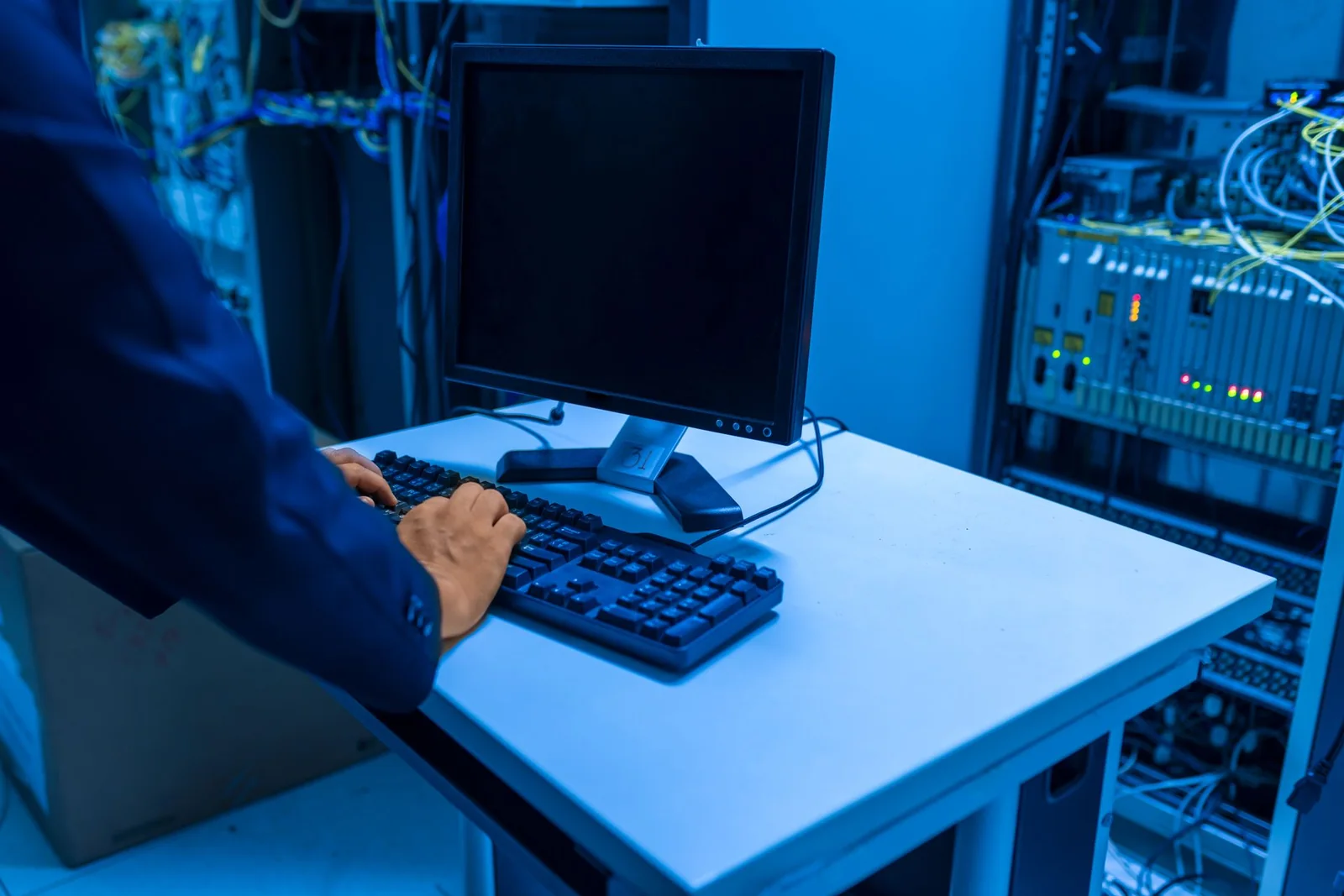
Understand your exposure. Strengthen your defenses.
Explore service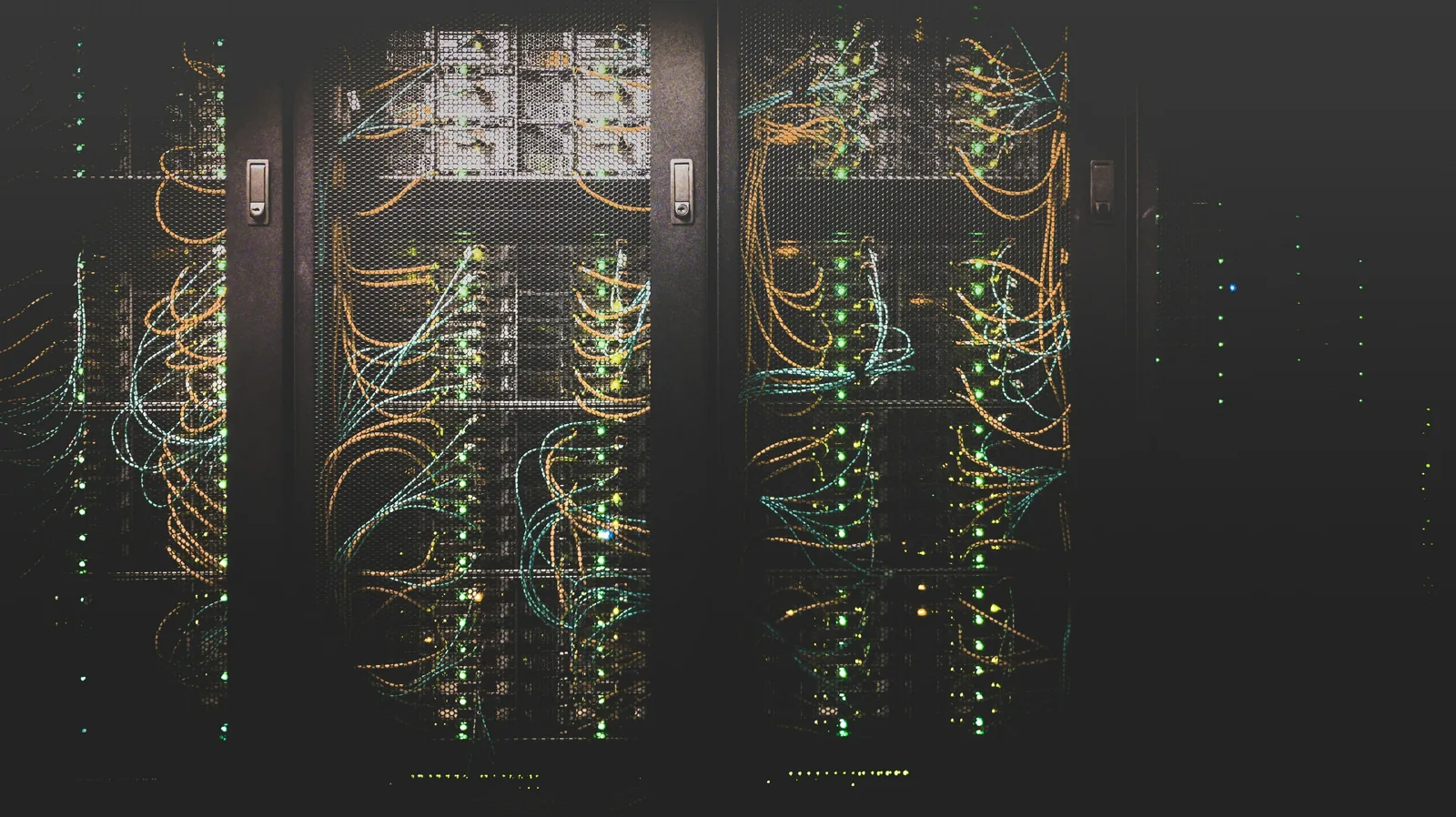
Your data deserves a stronger foundation.
Explore serviceWe welcome service and equipment enquiries from Port Said, Ismailia, Damietta, Suez, Alexandria, Cairo and the rest of Egypt. Remote support, on-site visits, delivery arrangements and their costs are agreed for your location and project scope.
Explore service coverage and enquiry requirements